MUGEN Screenpacks
MUGENDB
MUGEN Screenpacks
Menus, select screen and vs screen packs from the MUGEN community.

Updated 20 Sep 2026
A screenpack is the menus, select screen, vs screen and often the lifebars. It is not a roster and it is not a stage. This page is the 12 screenpack listings on MugenDB. Install steps: how to add a screenpack to MUGEN.
Fan UI, not official menus.
Current
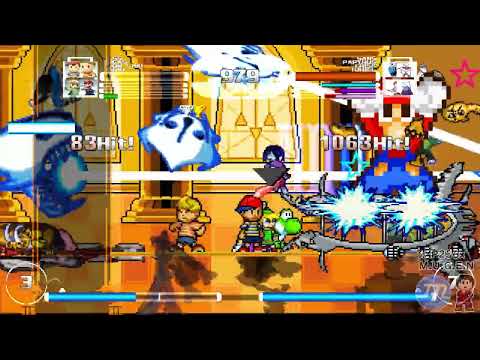 Windplay
XPGlitz236
2026 IKEMEN GO screenpack. The current listing if you want a new shell, not a 2011 pack.
Windplay
XPGlitz236
2026 IKEMEN GO screenpack. The current listing if you want a new shell, not a 2011 pack.
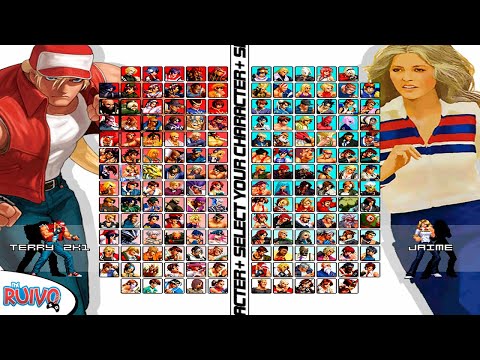 KOF Anthology
Duracelleur
KOF menus, up to 680 characters. The one on the KOF hub.
KOF Anthology
Duracelleur
KOF menus, up to 680 characters. The one on the KOF hub.
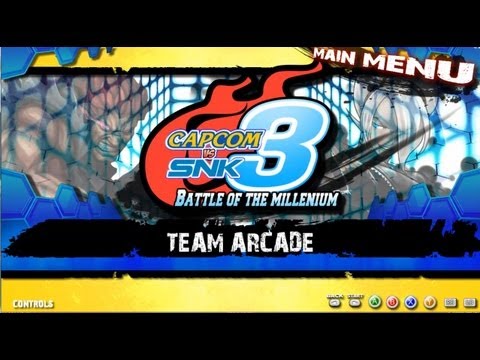 CvS 3 Screenpack HD
Ianb3000
Capcom vs SNK select. The one on the CvS hub.
CvS 3 Screenpack HD
Ianb3000
Capcom vs SNK select. The one on the CvS hub.
Series packs
- Melty Blood Actress Again
Melty Blood menus. Pair with Kohaku chars. - Mugen Multiverse
Marvel-tagged. Duracelleur's other pack next to Anthology. - Mugen Fighting Jam
Capcom Fighting Jam-style select. Jmorphman is the name people cite with this look.
General
- MUGEN Dragon's Rebirth
Tagged best. A full original shell. - The Best MUGEN
Original screenpack. The title is the author's, not a ranking. - Super Battle Stars XXV
Caioken's screenpack. Same author as Otanix / Demon Slayer JUS games. - Mugen All Characters Battle Zero
Original. - BrokenMugen
Original. - MUGEN Coruscation
Older HD pack. Ziltama also has the Sky Battle stages.
Best picks
Best 2026 pack — Windplay (XPGlitz236). IKEMEN GO. Start here if you want a current shell.
Best for a KOF roster — KOF Anthology. Built to hold a huge Turns roster.
Best for CvS — CvS 3 HD (Ianb3000). Groove select, not a KOF Anthology install.
Setup tips
- A screenpack replaces system.def / fight.def (and friends). Back up data first. The roster in chars/ stays.
- Full walkthrough: How to add a screenpack to MUGEN.
- Lifebars can ship inside a pack. Standalone bars are a different label.
- Match the pack to the roster: Anthology for KOF, CvS 3 for groove, Windplay if you just want a 2026 shell.
FAQ
Do you host the screenpack zips?
No. Each listing points at the author.
How do I install one?
How to add a screenpack to MUGEN. This hub is the catalog.
Will it wipe my characters?
It should not, if you only replace the system files. Read the tutorial. Keep a copy of data/.
Why is the label page blocked?
Blogger robots.txt disallows /search. This /p/ page is what Google can crawl.